First steps for an admin
Your owner has invited you to run the firm with them as an admin. This page gets you signed in and shows what’s yours to do.
1. Accept the invite
Section titled “1. Accept the invite”- Open the invite email and select its link. It says who invited you, to which firm, and that you’re joining as an admin. The link lasts 14 days.
- Under Confirm it’s you, select Email me a code and enter the code. The email address is fixed to the one invited.
- If you’re new, enter Your name as your team will see it.
- Select Accept and continue.
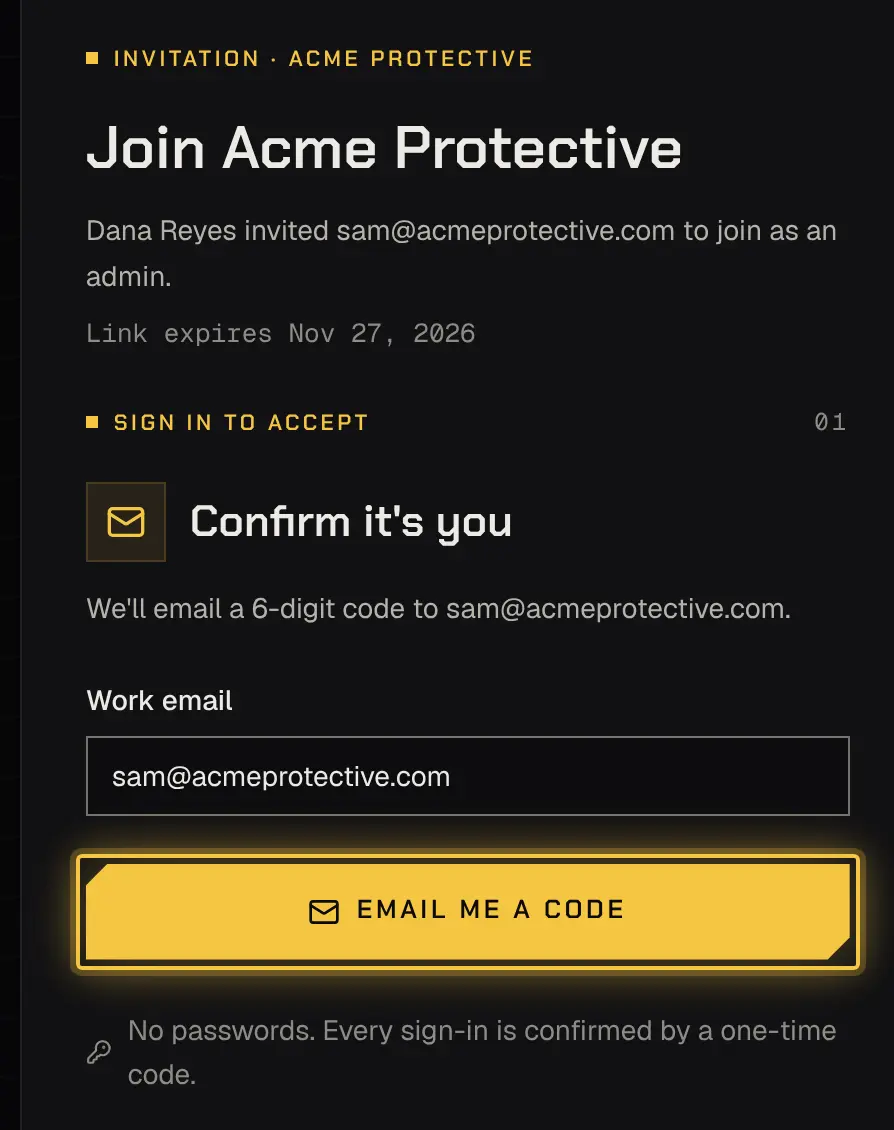
If the link no longer works, ask your owner to send a new invite. More: Getting started.
2. Set up your authenticator
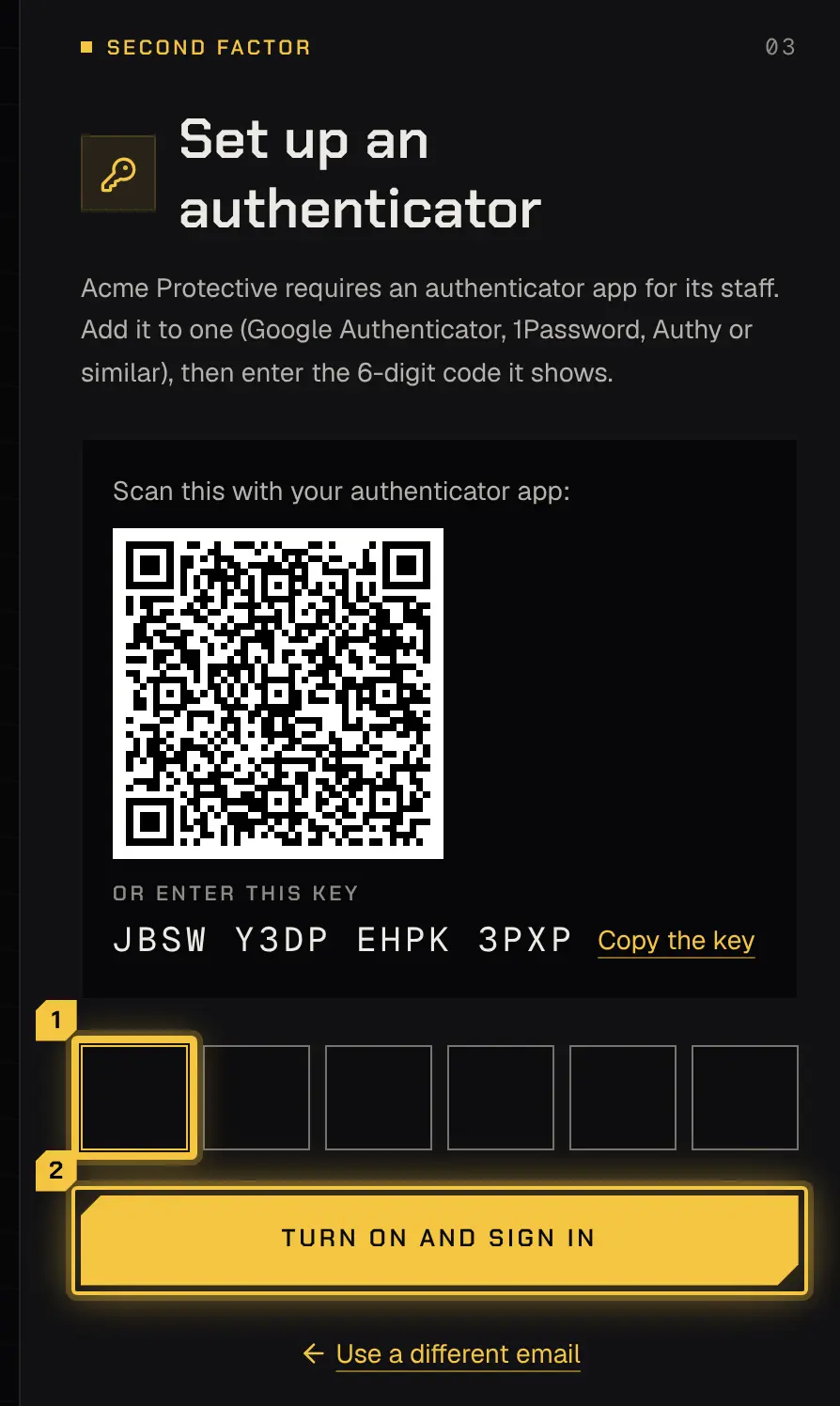
Section titled “2. Set up your authenticator”If the firm requires an authenticator app, you set one up before your session starts: scan the code with the app, or copy the key into it, enter the 6-digit code it shows and select Turn on and sign in. From then on, each sign-in asks for the email code and then the app’s code. If you lose your phone, the owner or another admin resets it for you. More: Signing in.
3. What an admin does, and what stays with the owner
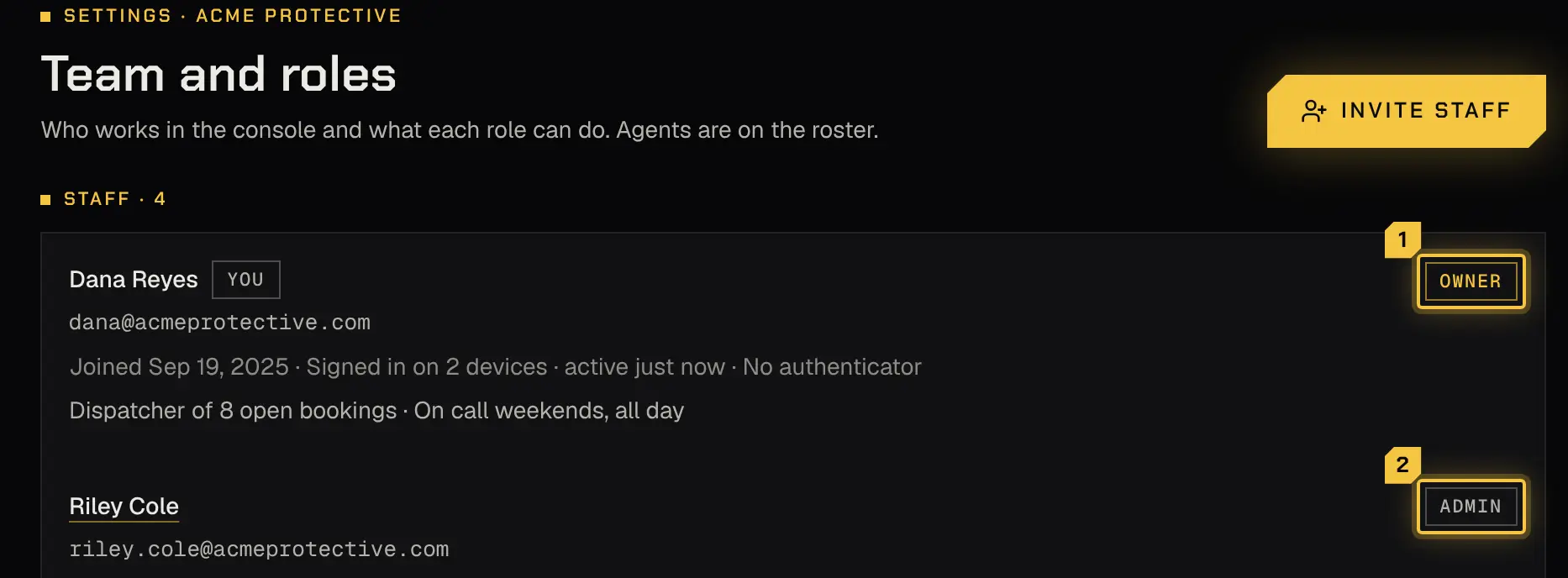
Section titled “3. What an admin does, and what stays with the owner”As an admin you can do almost everything the owner can: run bookings, staff them, approve time, send invoices, manage clients and agents, change Settings and invite staff.
What stays with the owner:
- Ownership itself, which only the owner can hand over.
- The plan, which only the owner changes.
- Connecting Stripe and linking the bank that pays your agents.
- Shyld support access: only the owner grants or declines Shyld’s requests. You can read them.
- Approving payout runs, unless the owner allows admins to approve them in Settings › Money › Paying agents.
The full table is in Team and roles.
4. Your first booking, and every day after
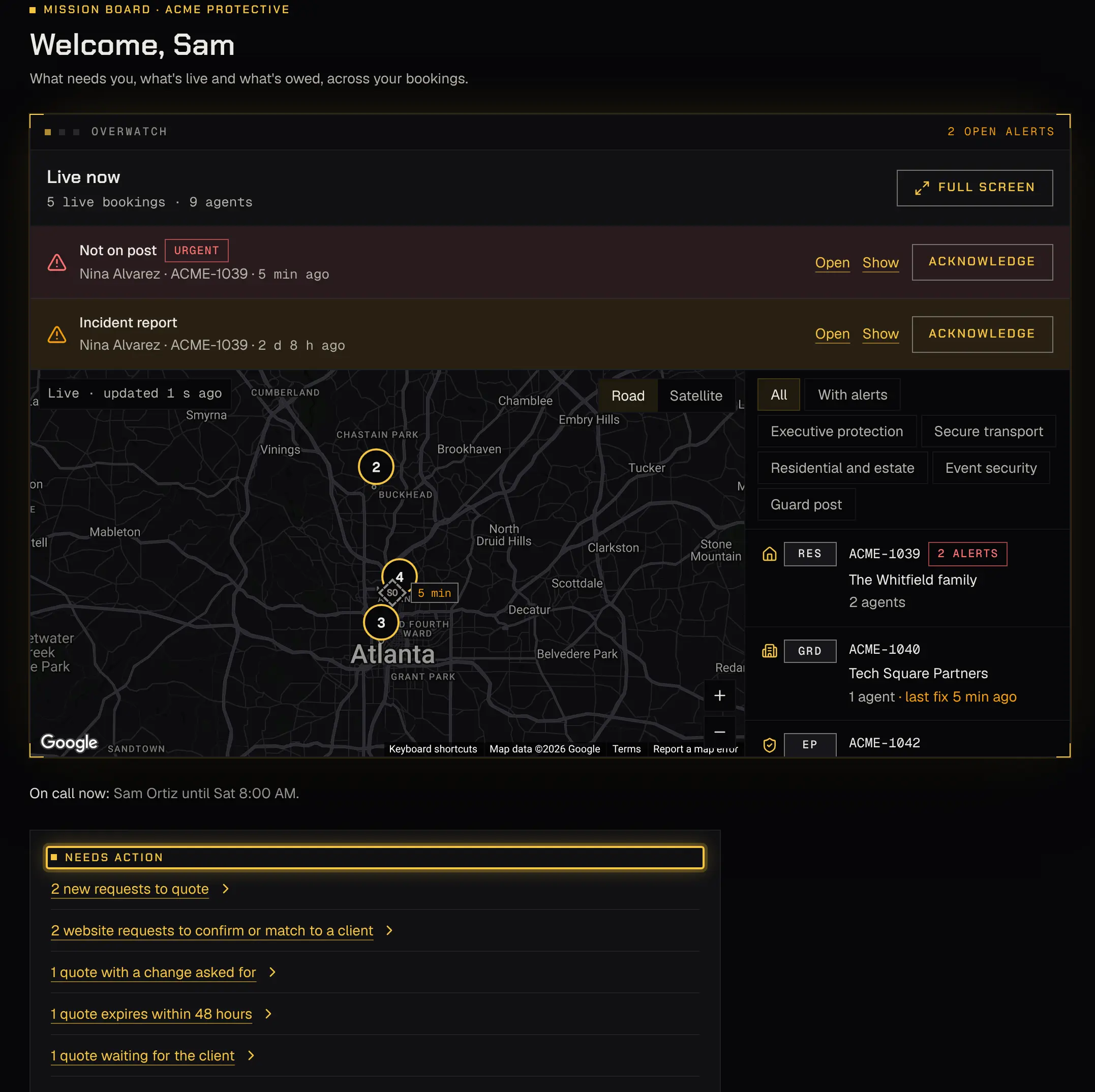
Section titled “4. Your first booking, and every day after”Your first booking from quote to paid is the same as the owner’s: follow step 8 of First steps for the owner. Then Daily operations walks a normal day in order.
Powered by Shyld