Invoices
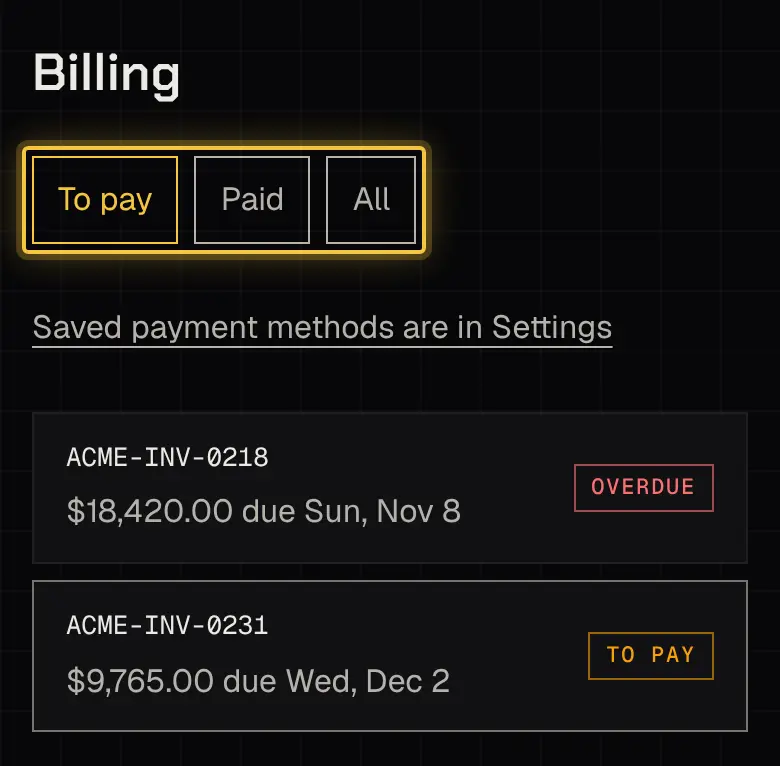
Billing needs the See invoices and receipts permission. It has three tabs: To pay, Paid and All.
When an invoice is due
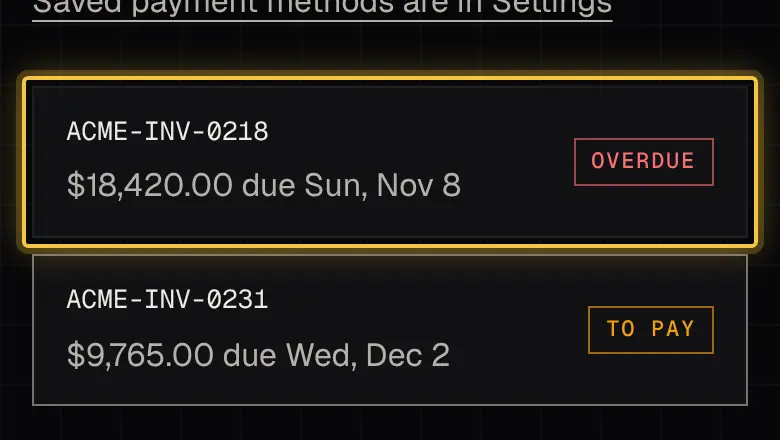
Section titled “When an invoice is due”Each invoice says Due on receipt or Net N days. It’s overdue from the day after its due date. Reminders come 3 days before, on the due date, and every 7 days while it’s overdue.
Paying
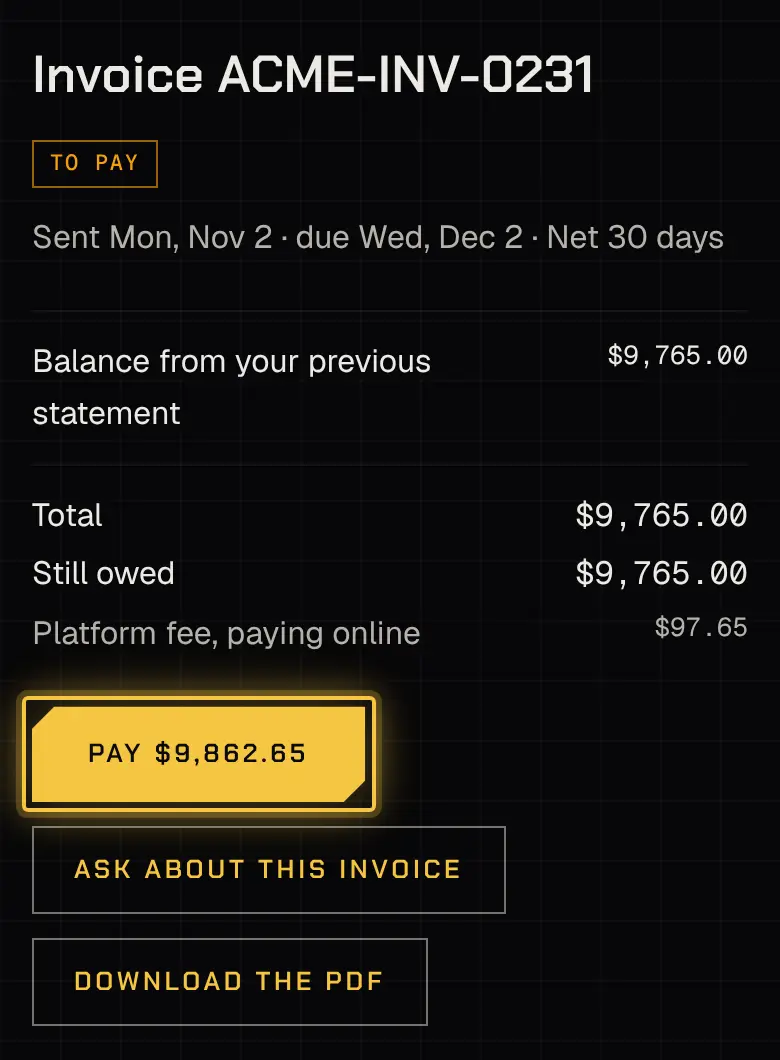
Section titled “Paying”Open an invoice and choose Pay.
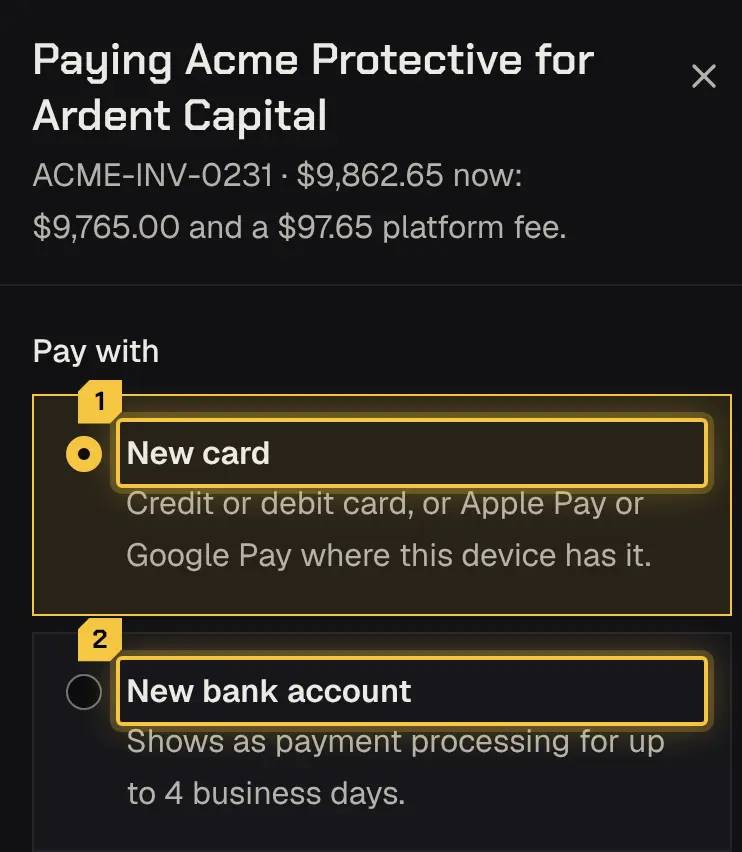
Paying online adds a 1% platform fee, shown on the invoice as Platform fee, paying online and included in the amount on Pay. The Pay sheet repeats it: the total now, the invoice’s amount and the fee. Paying your security provider outside the portal carries no fee.
You can pay by credit or debit card, Apple Pay or Google Pay where your device has them, or a US bank account. A bank payment takes up to 4 business days and reads Payment processing meanwhile. Tick Save for this account’s future invoices to keep a card or account; nothing is charged automatically.
Paying from a new bank account opens Stripe’s secure screen for linking your bank. That screen shows the name of the platform your security provider uses, not your provider’s own, and no setting changes it. You’re still paying your security provider: the bank authorisation, your bank statement, the receipt, the invoice and this portal all show its name.
Your receipt comes by email and the payment is listed on the invoice.
An expense on an invoice (parking, say) shows View the receipt when your security provider attached one.
If your security provider takes payment outside the portal, the invoice says how to pay them directly, with no pay button.
Paying from an email link
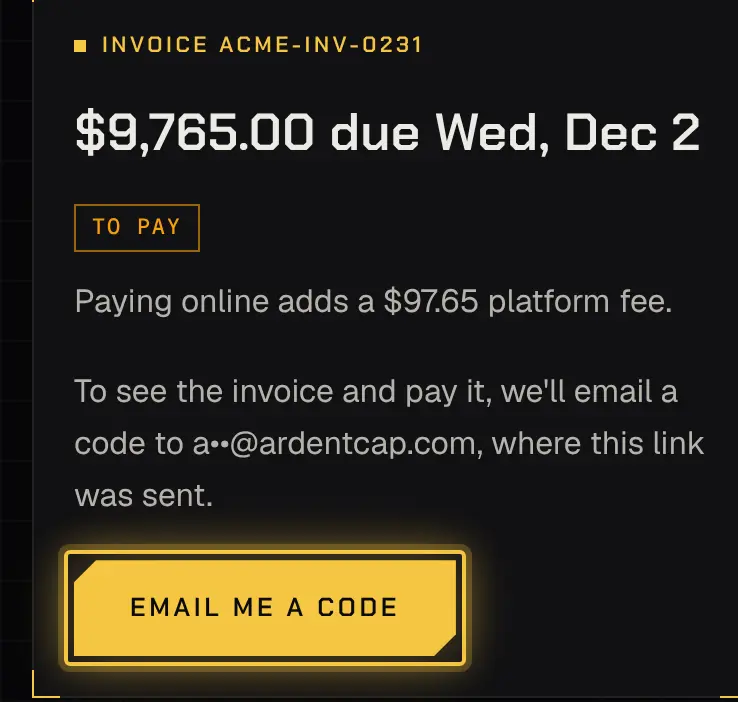
Section titled “Paying from an email link”An invoice email has a pay link that works without signing in. It shows the invoice number, amount and due date, and the platform fee that paying online adds. To see the lines and pay, enter the 6-digit code sent to the same email address. After several wrong codes, it pauses for a while; the page says when you can try again.
Asking about a line
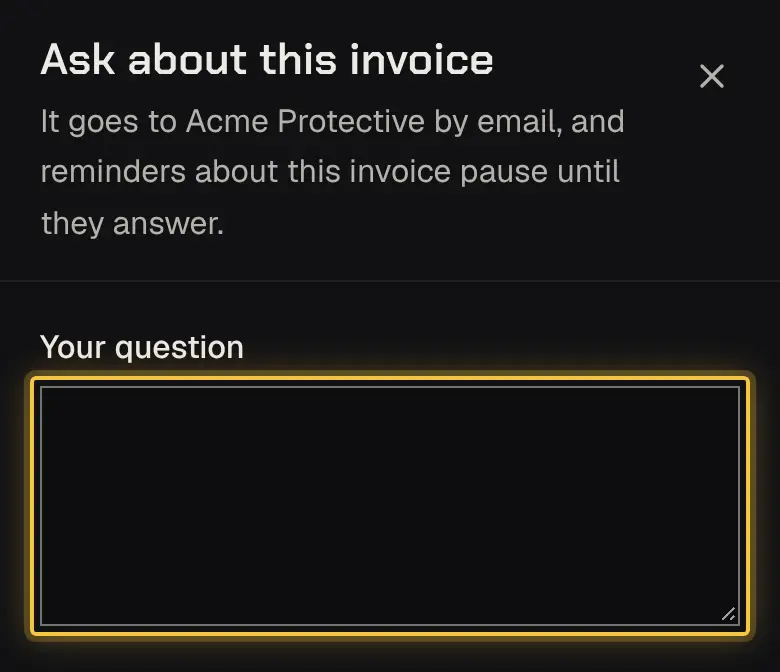
Section titled “Asking about a line”Choose Ask about this invoice and write your question. It goes to your security provider, and overdue reminders pause until it’s answered, the invoice is paid, credited or voided. The invoice shows Question open meanwhile.
Powered by Shyld