The live shift
The live shift is on the shift’s page while it’s under way.
Before you start
Section titled “Before you start”- On my way opens 2 hours before the start. Tapping it tells the firm you’re coming.
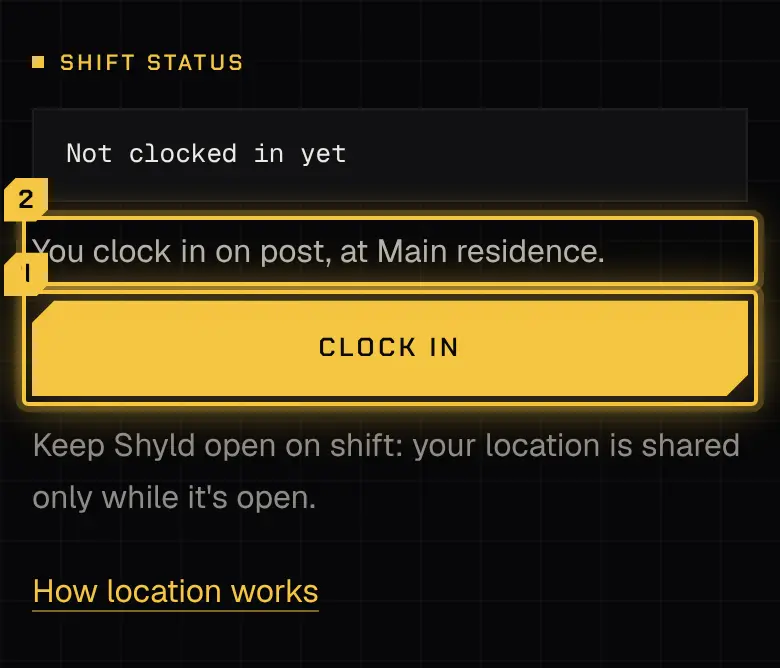
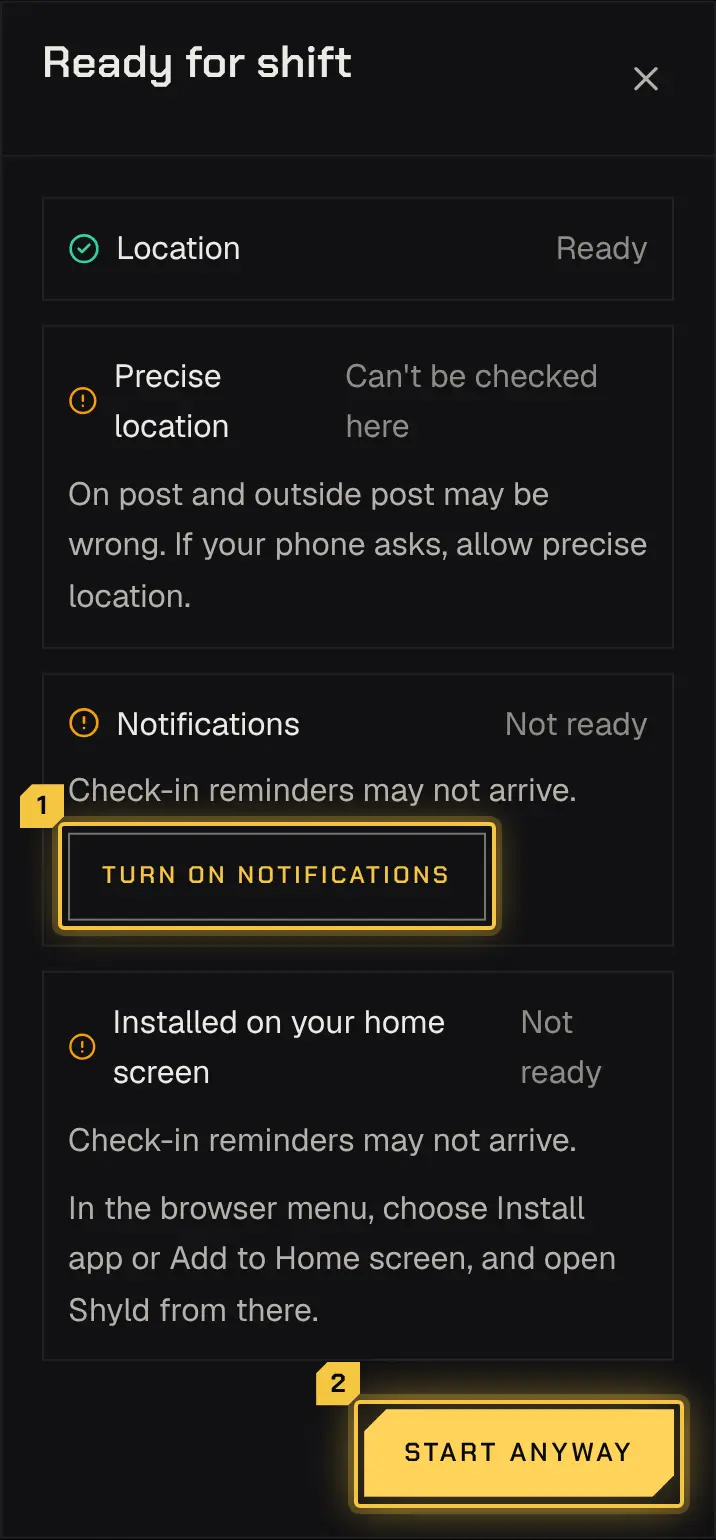
- Clock in opens 30 minutes before the start. First the app runs a quick readiness check: location on and precise, notifications allowed and the app installed.
- Some services only let you clock in on post. Outside it, you can ask the dispatcher to let you clock in where you are.
- Some services have no clock-in. The shift says so, and your scheduled time counts as worked. There’s no Clock in or Clock out, and the shift log is open for the scheduled time.
Your location
Section titled “Your location”While you’re clocked in, the app shares your position with the firm so it can see you’re on post. If you leave the post, the app warns you, and if you stay outside it the firm is alerted. Your location stops when you clock out.
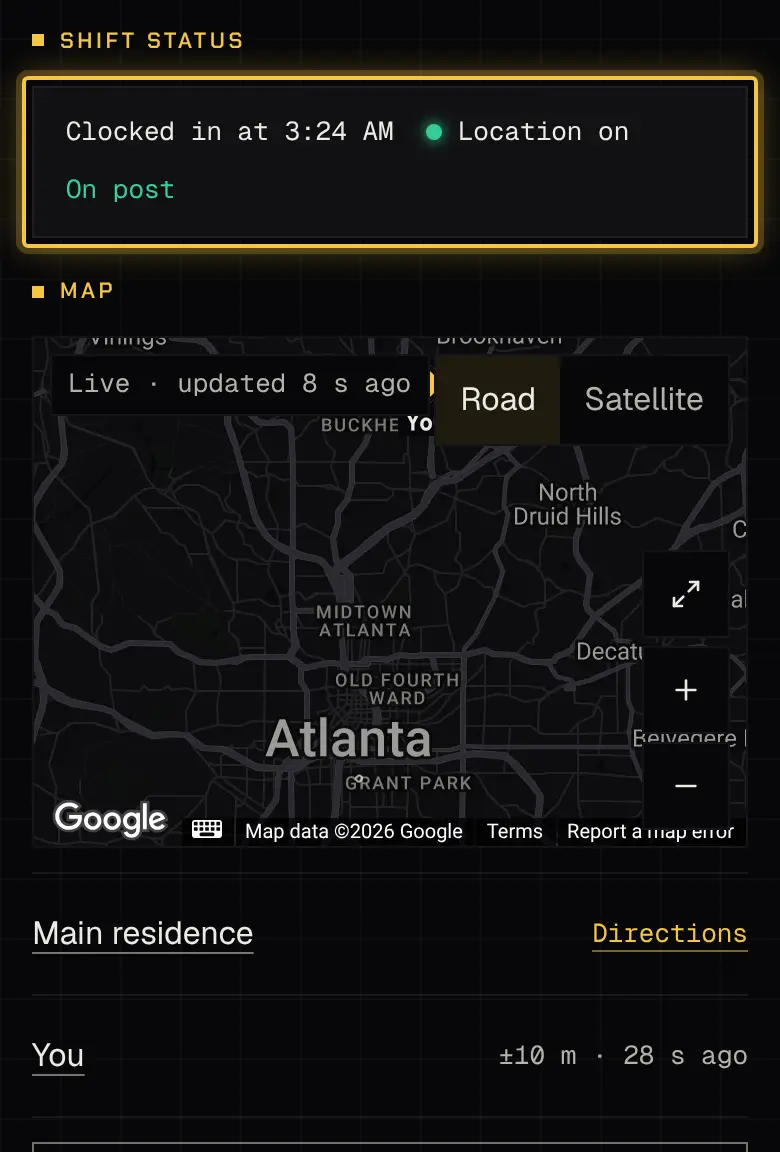
The status says Location on only while your browser allows location and your position has reached the firm in the last few minutes. Otherwise it says what’s true: Allow location when your browser is asking (tap Allow location, then allow it), Location off when location is turned off for the app (allow it again in the browser’s settings), Waiting for the first location until the first one goes out, and Location not updating when none has gone out for a while. Once location is allowed again, it picks up again by itself, with no reload.
Keep the app on screen while you work: a browser shares your location only while the app is showing. If your location stops reaching the firm, the app reminds you, with a notification and on the shift, so you can open it again.
Check-ins
Section titled “Check-ins”Some shifts ask you to check in at set times. When one is due, the app notifies you; tap I’m OK. A missed check-in alerts the firm.

The shift log
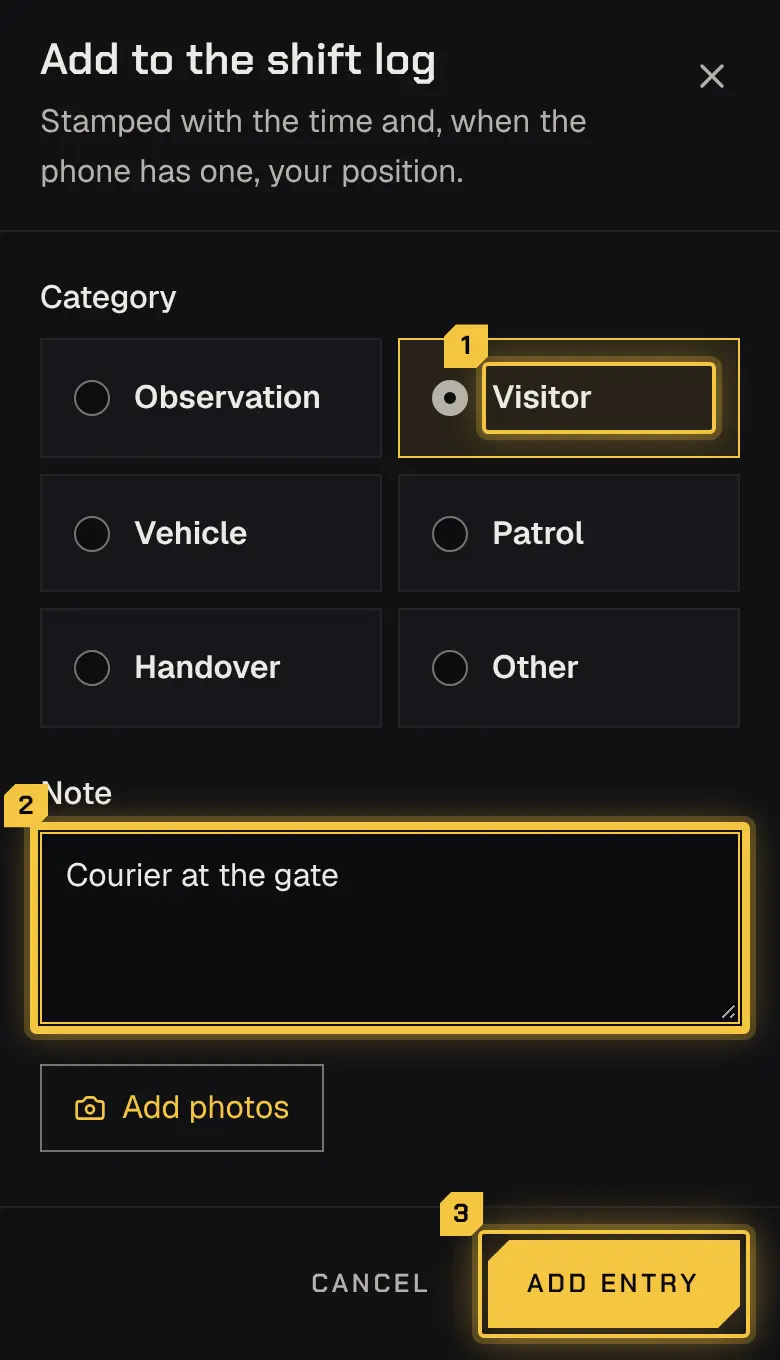
Section titled “The shift log”Add entries to the shift log as things happen, with a category, a note and photos. You can correct your own entries until the report that covers them is sent; with no report, for 24 hours after you clock out.
With no signal
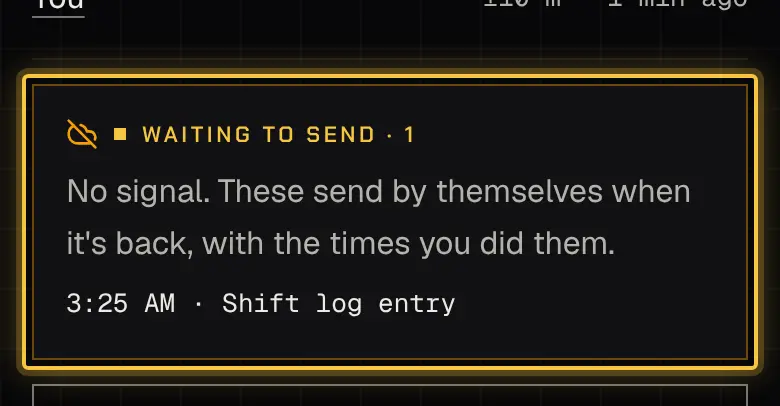
Section titled “With no signal”What you do without signal waits on the phone, with the time you did it, and sends when the signal is back. If something is refused when it finally sends, the app lists it and says why.
Clocking out
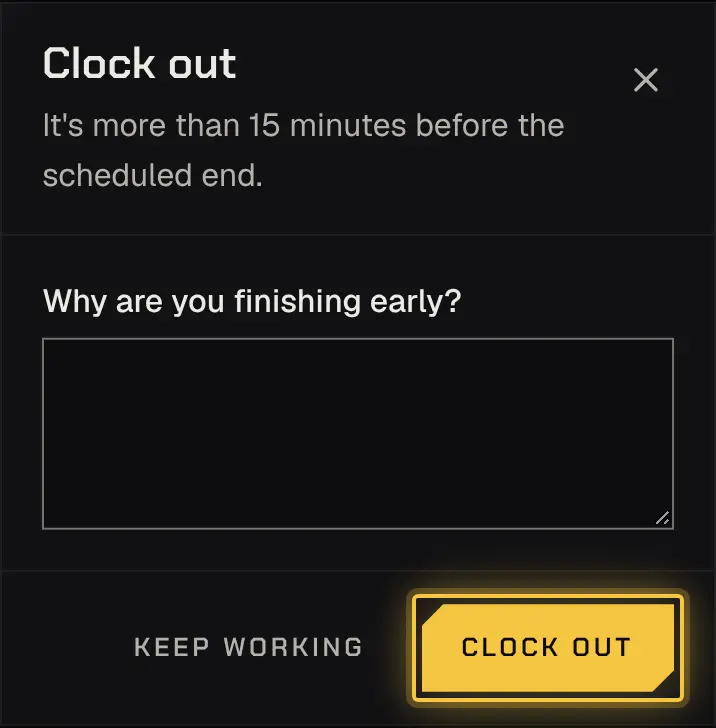
Section titled “Clocking out”Clock out when you finish. Leaving more than 15 minutes early asks for a reason. Soon after the scheduled end, the app asks if you’re still working, with a notification and on the shift: tap Still working or clock out. If you don’t answer, you’re clocked out at the scheduled end, so time after it counts only if you said you’re still working.
If you’re still clocked in on another shift, a new clock-in is refused until you clock out there; the app links you to it.
Help on shift
Section titled “Help on shift”Help on shift always has the firm’s duty phone and 911. Call 911 in an emergency.
Powered by Shyld