Reports and incidents
Reports
Section titled “Reports”Some services ask for a report after the work, on the firm’s template. Reports lists the ones you’re writing and the ones you’ve sent. What you type saves as you go.
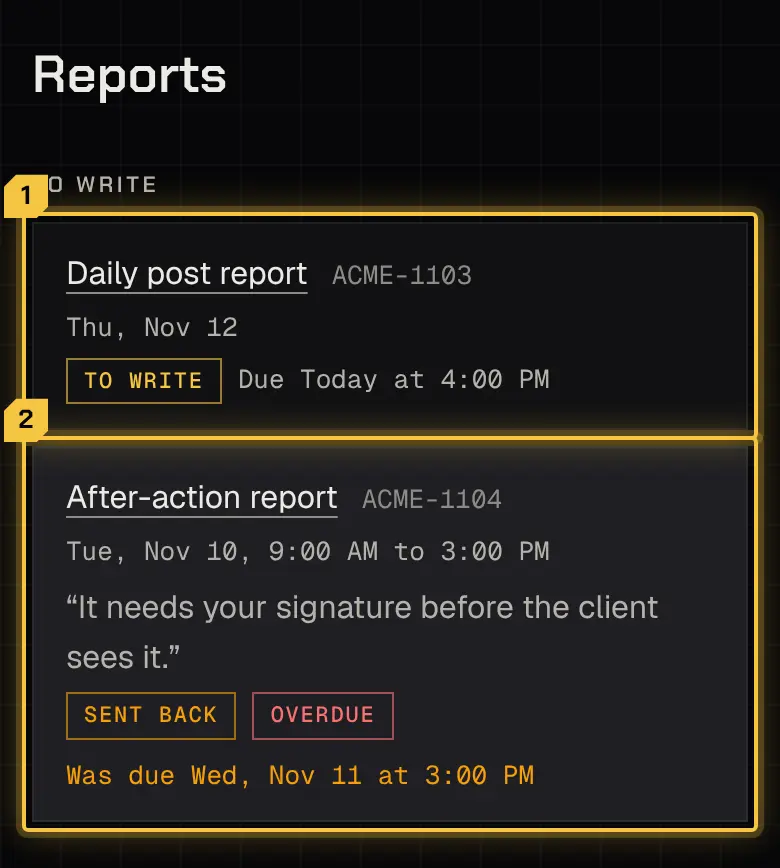
A report is due 24 hours after the period it covers ends; the app reminds you 4 hours before. On a team report, each of you adds your part to the shared sections.
The firm may send a report back with a note saying what it needs; change it and send it again.
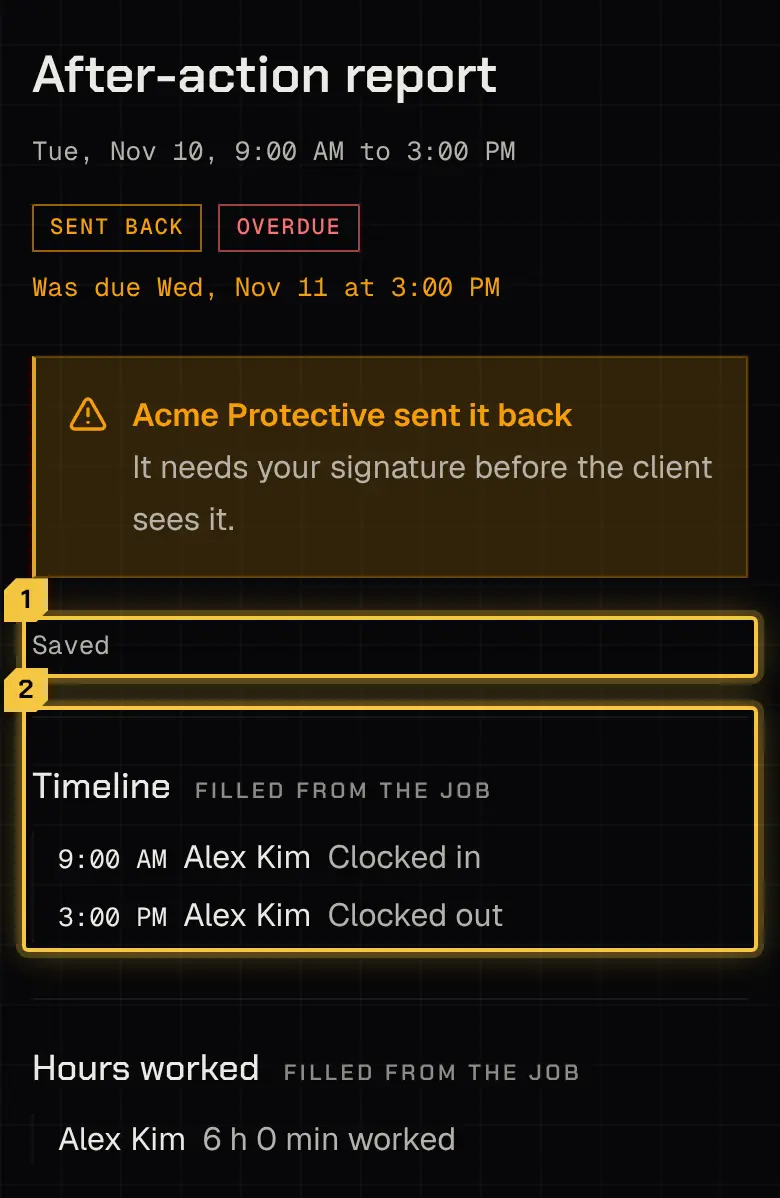
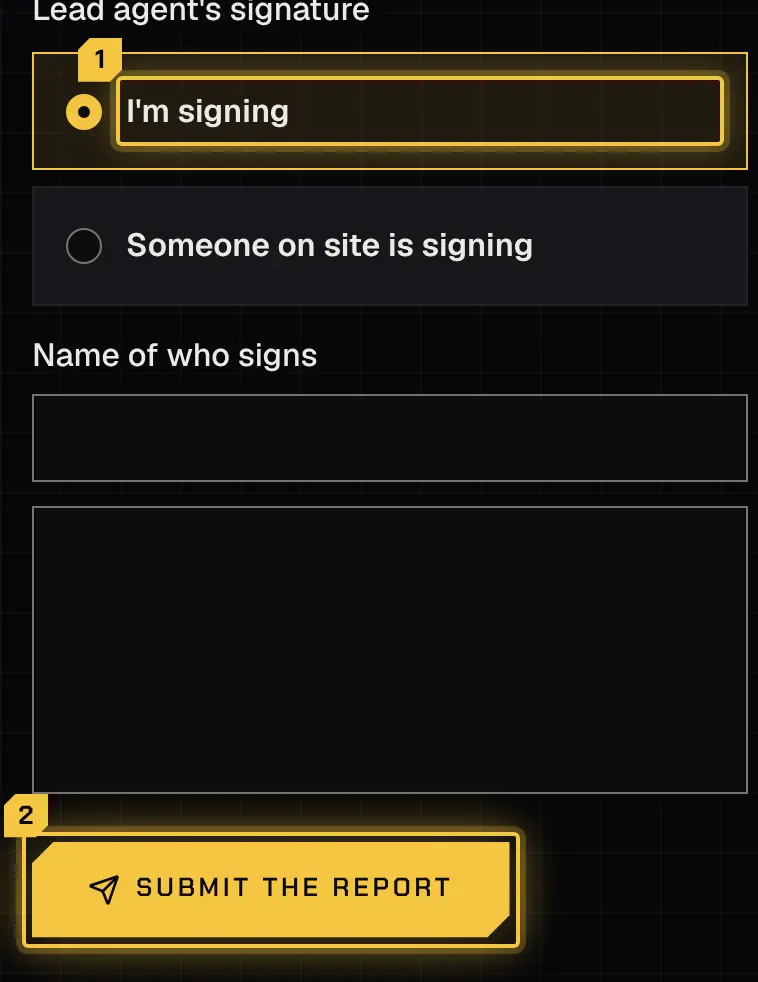
After you send it, the firm reviews it before the client sees it. It may edit a section; the report then shows which sections were changed and by whom. A report can also be handed to someone else to finish: what you wrote is kept.
Incident reports
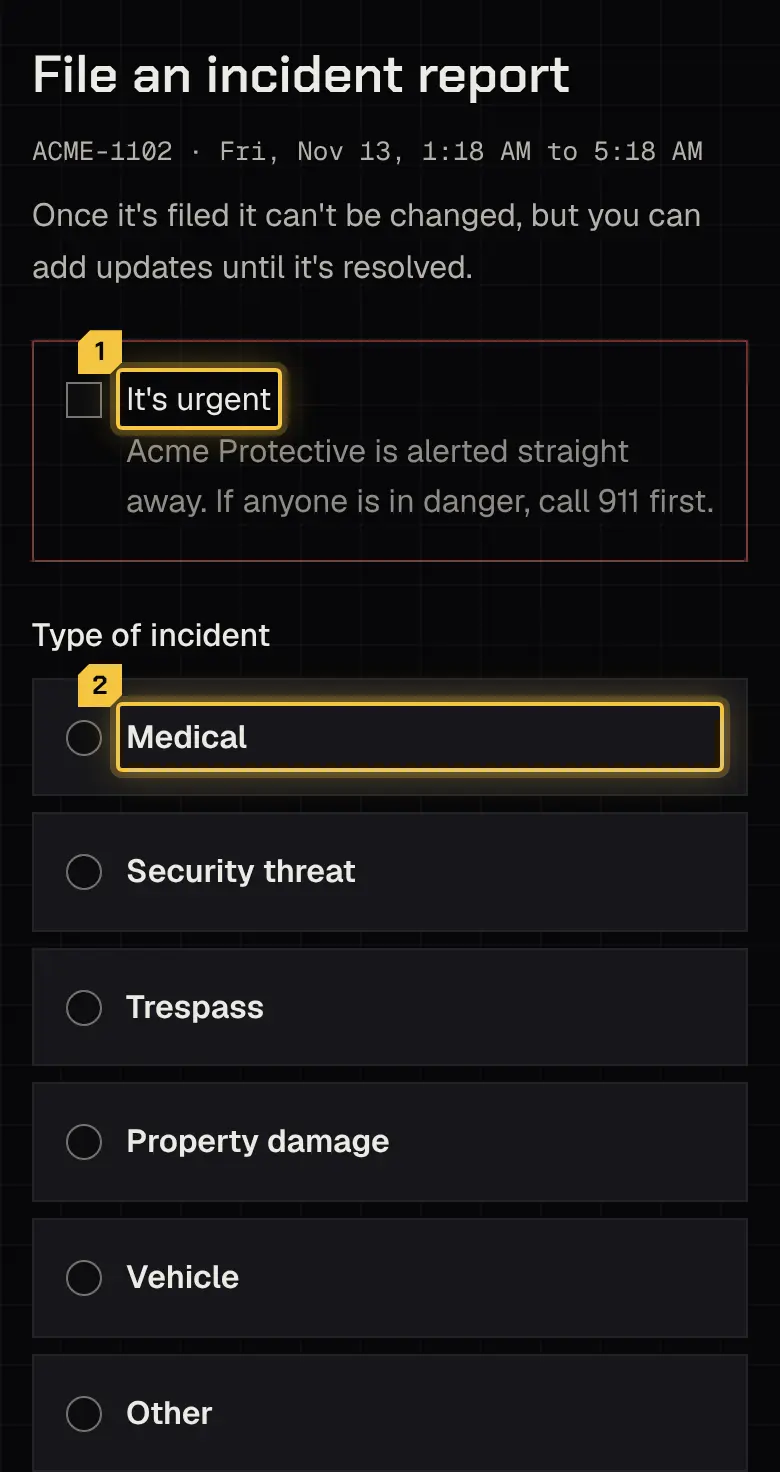
Section titled “Incident reports”When something happens on a shift, file an incident report from the shift’s page: what happened, when and where, who was involved, and photos. Mark it urgent and the firm is alerted at once, with the duty phone and 911 on screen for you.
Powered by Shyld