Getting paid
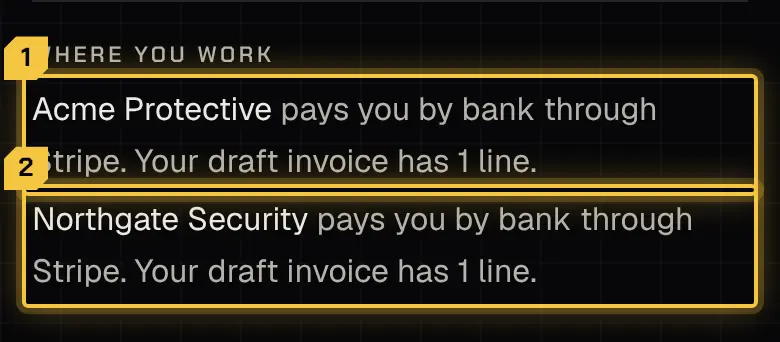
Who pays you
Section titled “Who pays you”The firm you worked for pays you. You invoice it for your work, and its payment goes from its bank into your own Stripe account; Stripe processes the payment. The platform never pays you itself.
Each firm chooses how it pays you:
- By bank through Stripe: you send invoices from the app and are paid into your Stripe account.
- Outside the app: you’re a contractor paid another way. The firm still needs your tax details (W-9).
- As an employee: the firm pays you as it pays its employees. There are no invoices and no Stripe account; the app shows your pay as recorded.
Getting ready to be paid
Section titled “Getting ready to be paid”More › Get ready to be paid lists the steps for your pay choice:
- your own Stripe account, set up on Stripe’s own screens inside the app. Stripe may confirm you with a code to your email or phone when you add a bank account;
- your tax details (W-9): your legal or business name, taxpayer ID, tax classification and address, signed once and used for every firm. Your taxpayer ID shows afterwards only as its last 4 digits, and the name must match your Stripe account;
- accepting the invoicing terms, once.
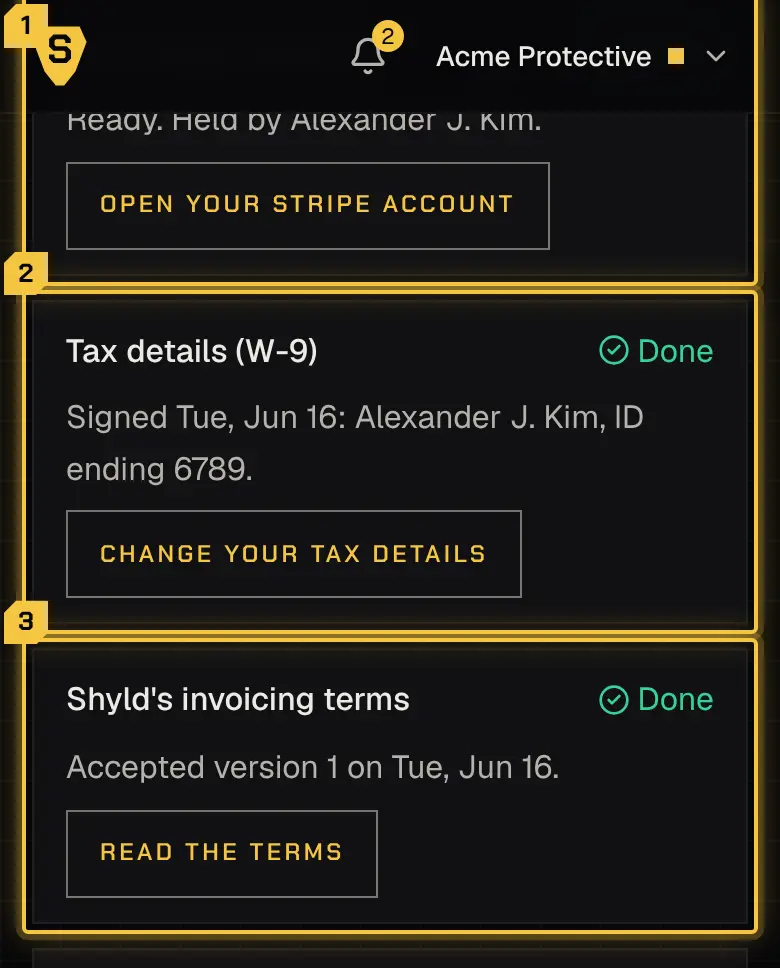
Each step can be skipped and finished later, but you can’t send an invoice through Stripe until they’re done. Once you’ve finished Stripe’s screens, Stripe may take a little while to check your account: there’s nothing more for you to do, and the draft invoice says it waits on Stripe’s check. If Stripe pauses your account later, the invoices you’ve sent say they wait on your Stripe account until you give Stripe what it asks for; then they’re paid in the next run. a firm that pays you itself needs only your tax details. Your first payment can take about 2 to 3 weeks; a firm that offers an advance can shorten it.
Invoices
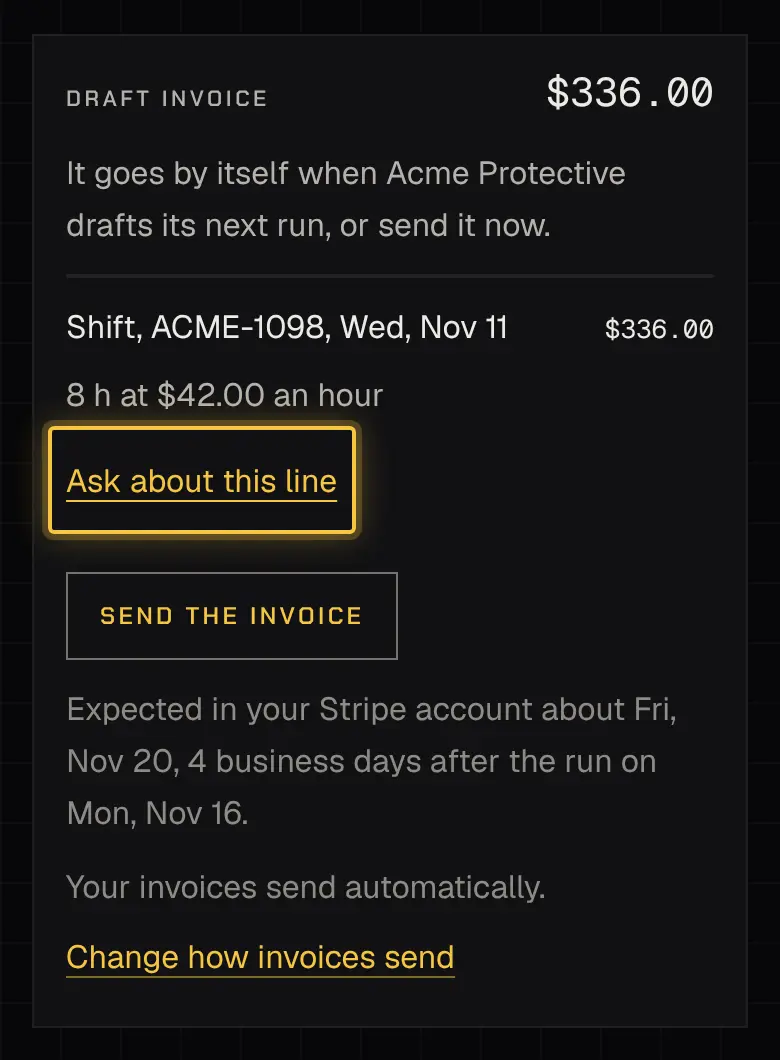
Section titled “Invoices”Earnings lists your invoices at each firm. An invoice is built from your approved time and expenses; check it and send it. The firm pays the invoices you’ve sent in its pay runs: a payment reads “Payment sent, settling” and then “Paid”, usually about 4 business days after the run.
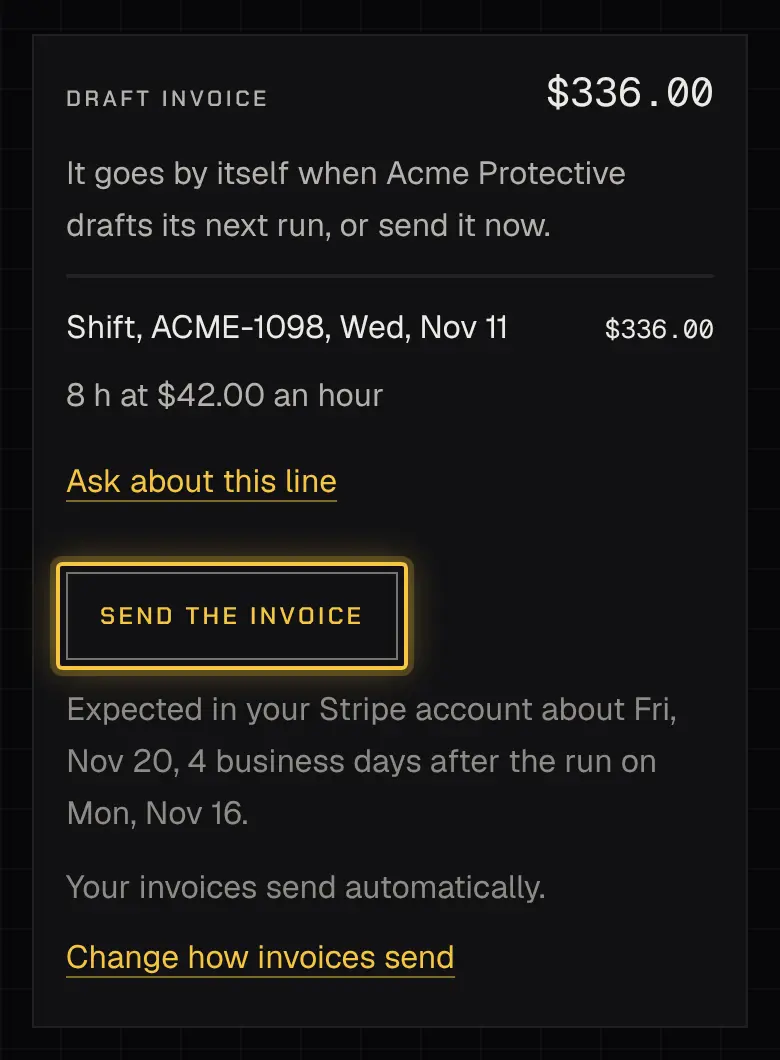
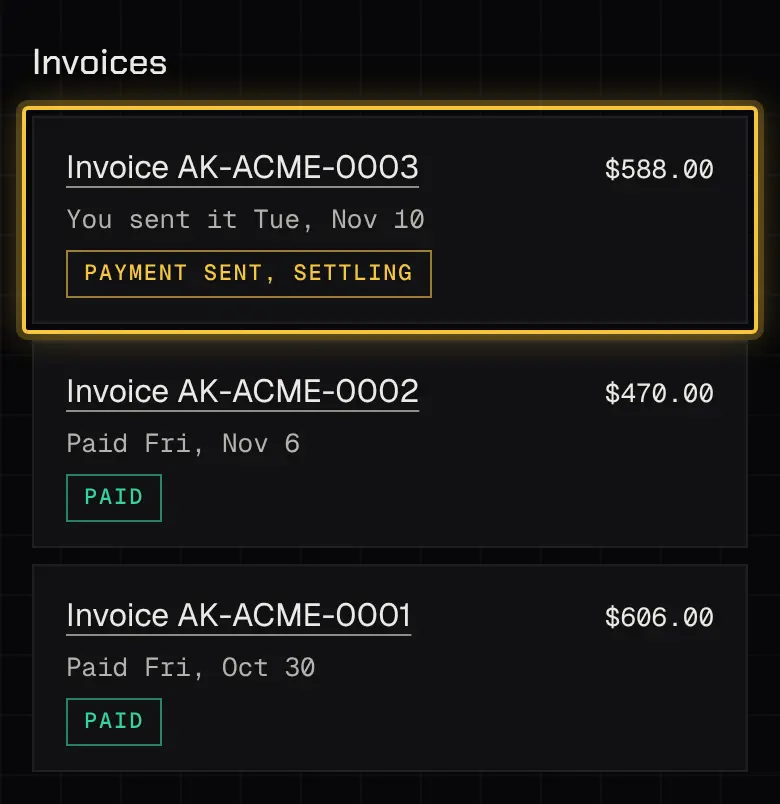
If a firm holds an invoice out of a run, it tells you why. It never edits your invoice; a correction comes as a line on your next one.
Questions and disputes
Section titled “Questions and disputes”Ask about any line of an invoice at any time; the question stays open until the firm answers. To dispute the invoice itself, you have 5 business days.
Where you used to work
Section titled “Where you used to work”Your invoices and yearly totals from a firm you no longer work for stay readable: open More › Profile and follow the link to the ones you’ve left.

Powered by Shyld