The live map
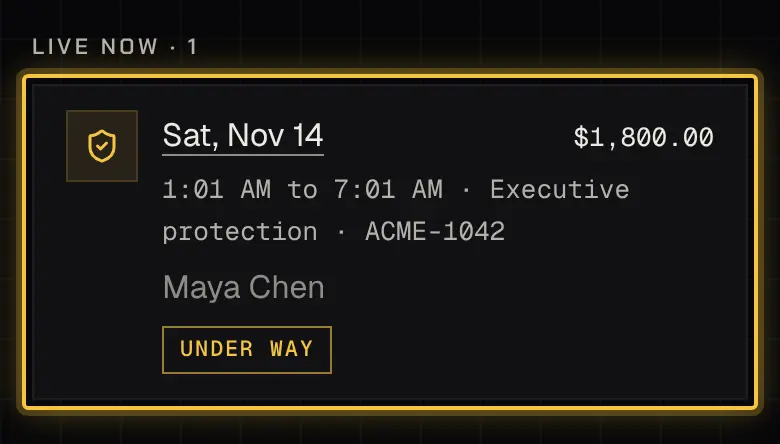
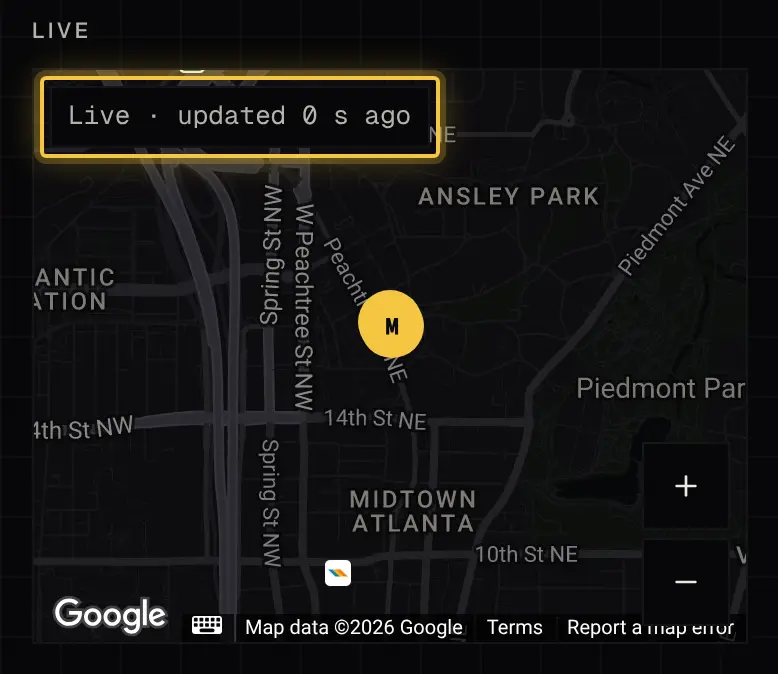
While an agent is on the way or on shift, the booking shows a live map, if the service allows it and you can see the live map (See the live map: on every booking, or on your own). Guests on a shared booking see it too.
What the map shows
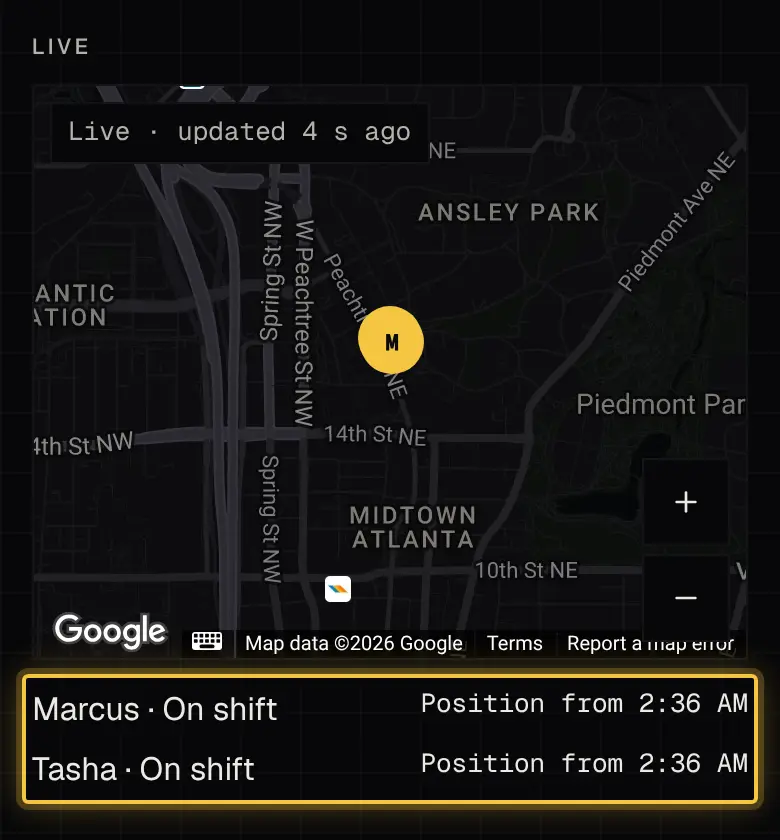
Section titled “What the map shows”The map shows each agent’s last position, what they’re doing and when it last updated. An old position greys out, and “No position yet” means none has arrived. For a fixed place, such as a site, it also shows how far they are from it.
Who can see the map
Section titled “Who can see the map”Billing contacts don’t see the map. Principals see it on their own bookings.
Powered by Shyld