Requesting a service
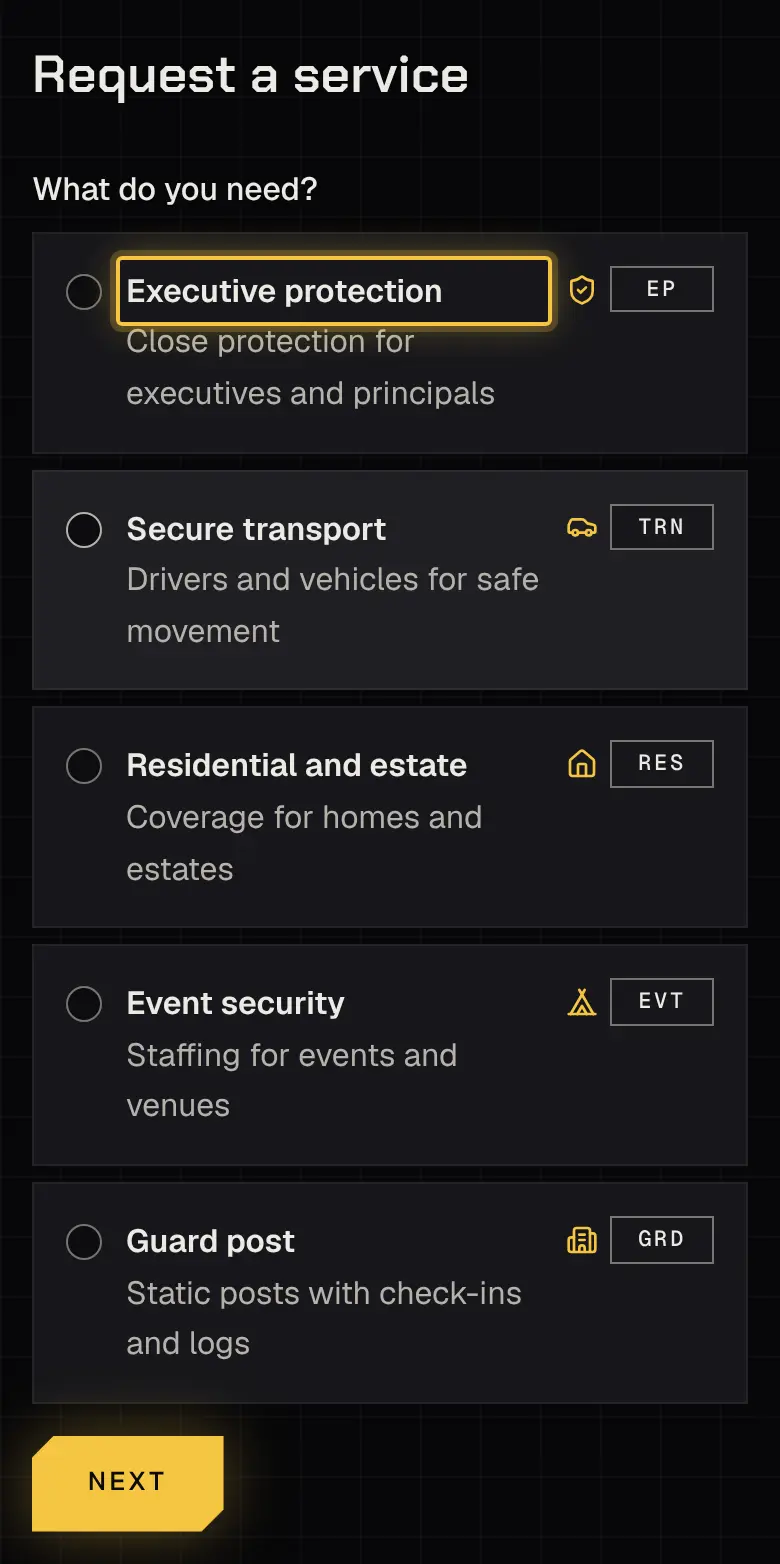
Choose Request (it needs the Request bookings permission). The request goes step by step: When, Where, Who it’s for, A few details, then Review and send.
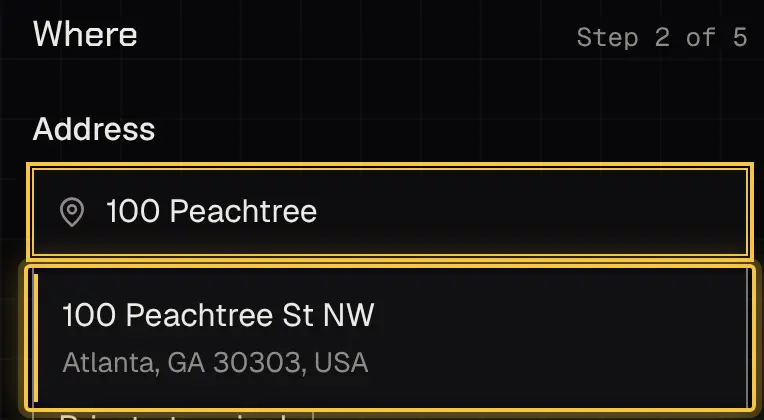
- Where: pick each address from the suggestions; typed text alone isn’t enough.
- Who it’s for: add guests who should see the booking. Your security provider confirms each guest first; until then they aren’t told and see nothing.
- PO number: if your account needs one, the review says so; you’ll enter it before you approve.
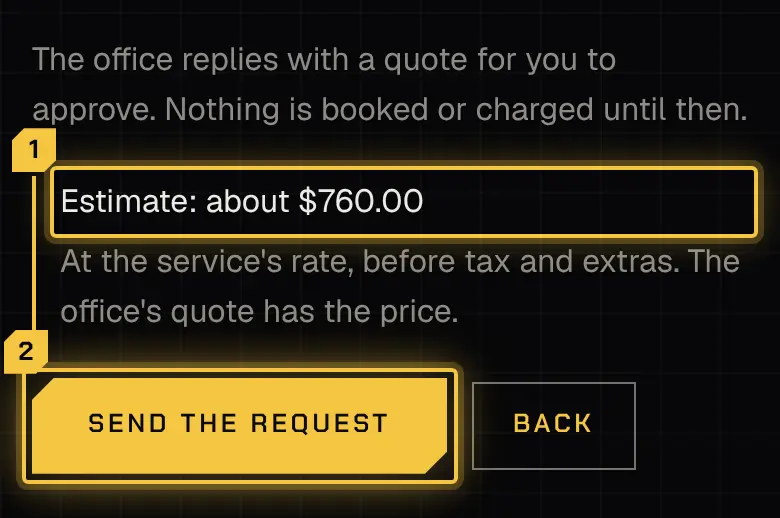
- Estimate: the review may show an estimate before tax and extras. The quote has the real price.
After you send
Section titled “After you send”Nothing is booked or charged when you send. Your security provider replies with a quote.
Unsent and withdrawn requests
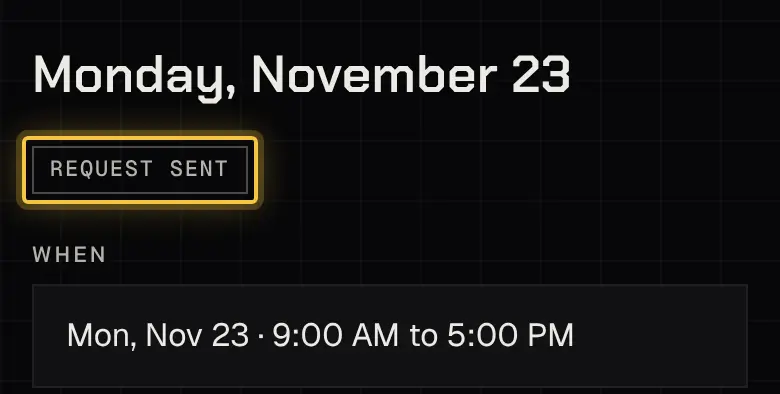
Section titled “Unsent and withdrawn requests”An unsent request is kept: come back and pick up where you left off, or start over.
Changed your mind before a quote arrives? Open the request and choose Withdraw the request.
Powered by Shyld